Nextelio WhatsApp Suite

Rich WhatsApp templates, designed like product.

A visual studio for enhanced WhatsApp messages. Design, preview and ship them through your WhatsApp Business account, then let approved templates flow to whichever tool actually sends.

Get the product →All products
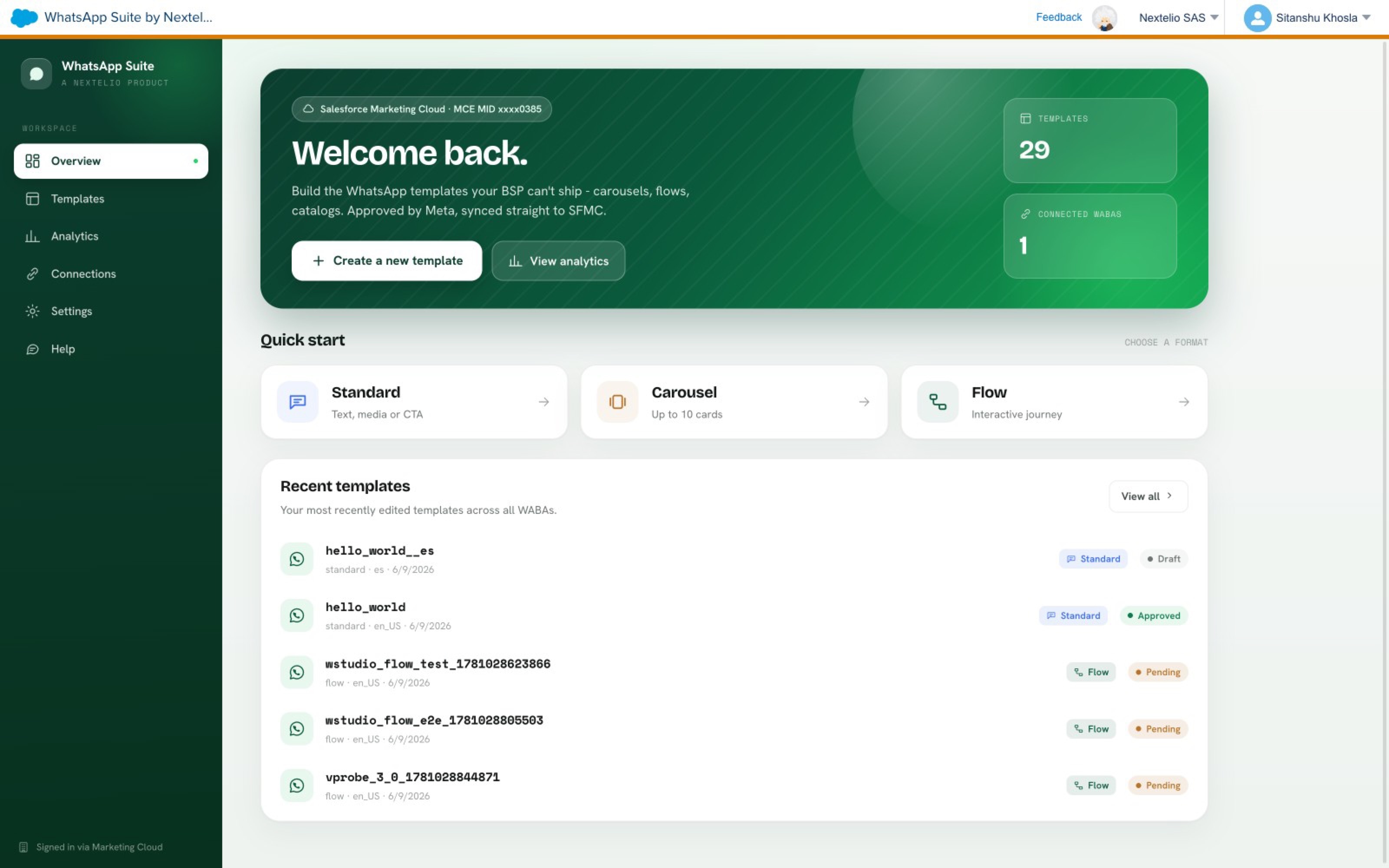
Nextelio WhatsApp Suite interface, inside Salesforce Marketing Cloud
Runs inside Salesforce Marketing CloudStandalone web appBring your own WABA
01Capabilities

The whole surface. None of the busywork.

Everything you need to design, approve and ship WhatsApp messages at scale. Nothing you do not.

01

Every WhatsApp format

Standard, carousel, flow, catalog. Composed like layouts, not payloads.

02

One workspace, every WABA

Manage all your WhatsApp Business accounts from a single studio. Switch context without switching tools.

03

Send from anywhere

Approved templates sync automatically to SFMC, Sinch, Twilio or Bird. Your existing setup stays untouched.

04

Approvals as they happen

Meta status tracked live. Rejection reasons surfaced in plain language, ready to fix.

05

Every locale, one workflow

Group templates by language. Submit and track every variant together.

06

Versioned by default

Every change is kept. Compare two versions side by side before you ship.
02Template formats

Every message Meta supports. Composed visually.

Standard

Text with optional media, buttons and quick reply CTAs.

Carousel

Up to ten swipeable cards. Perfect for catalogues and comparisons.

Flow

Interactive journeys inside the message. Form, quiz, booking, checkout.

Catalog

Product cards synced from your commerce catalogue.

03In the studio

A console your team will want to open.

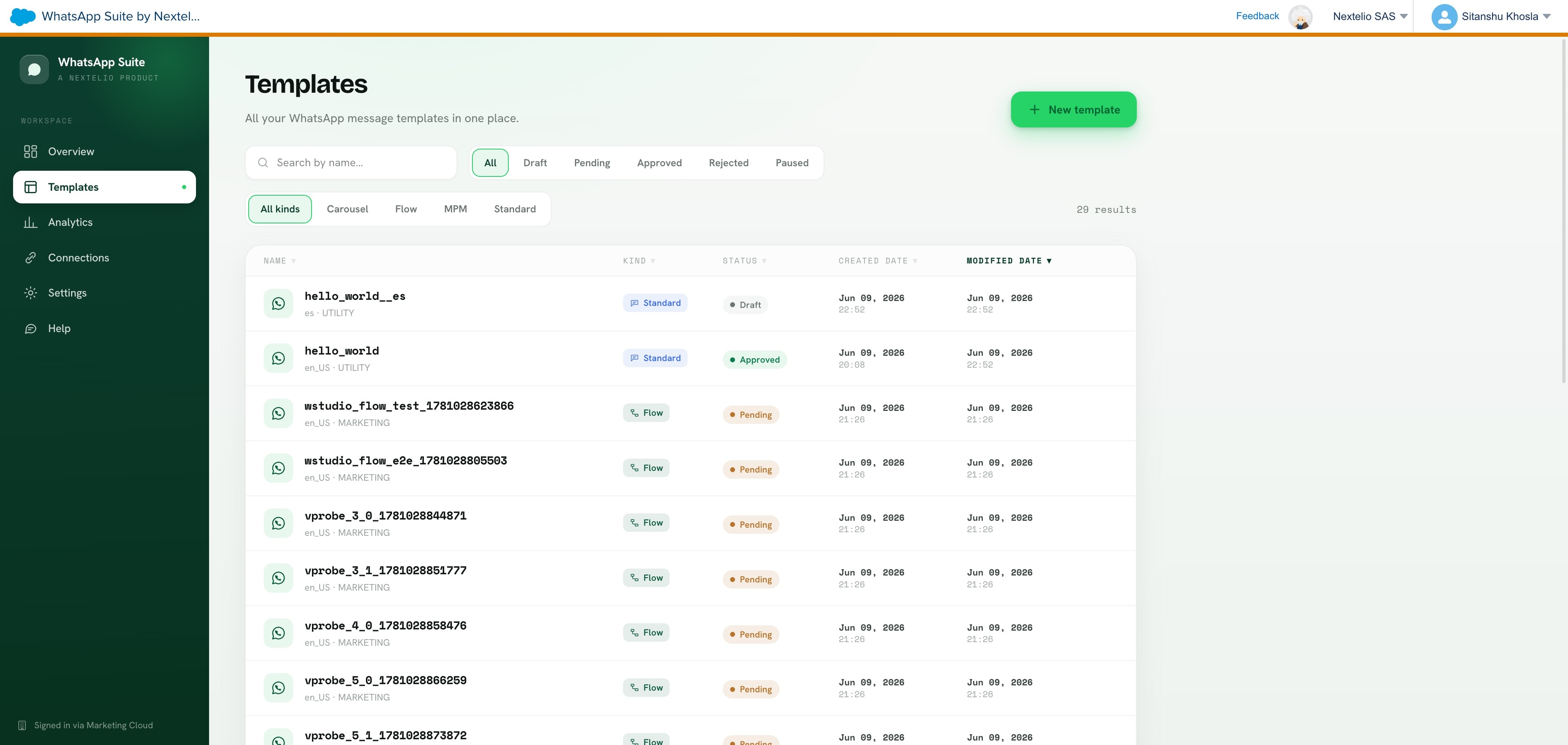
Templates list inside the WhatsApp Suite

Every template, every WABA.

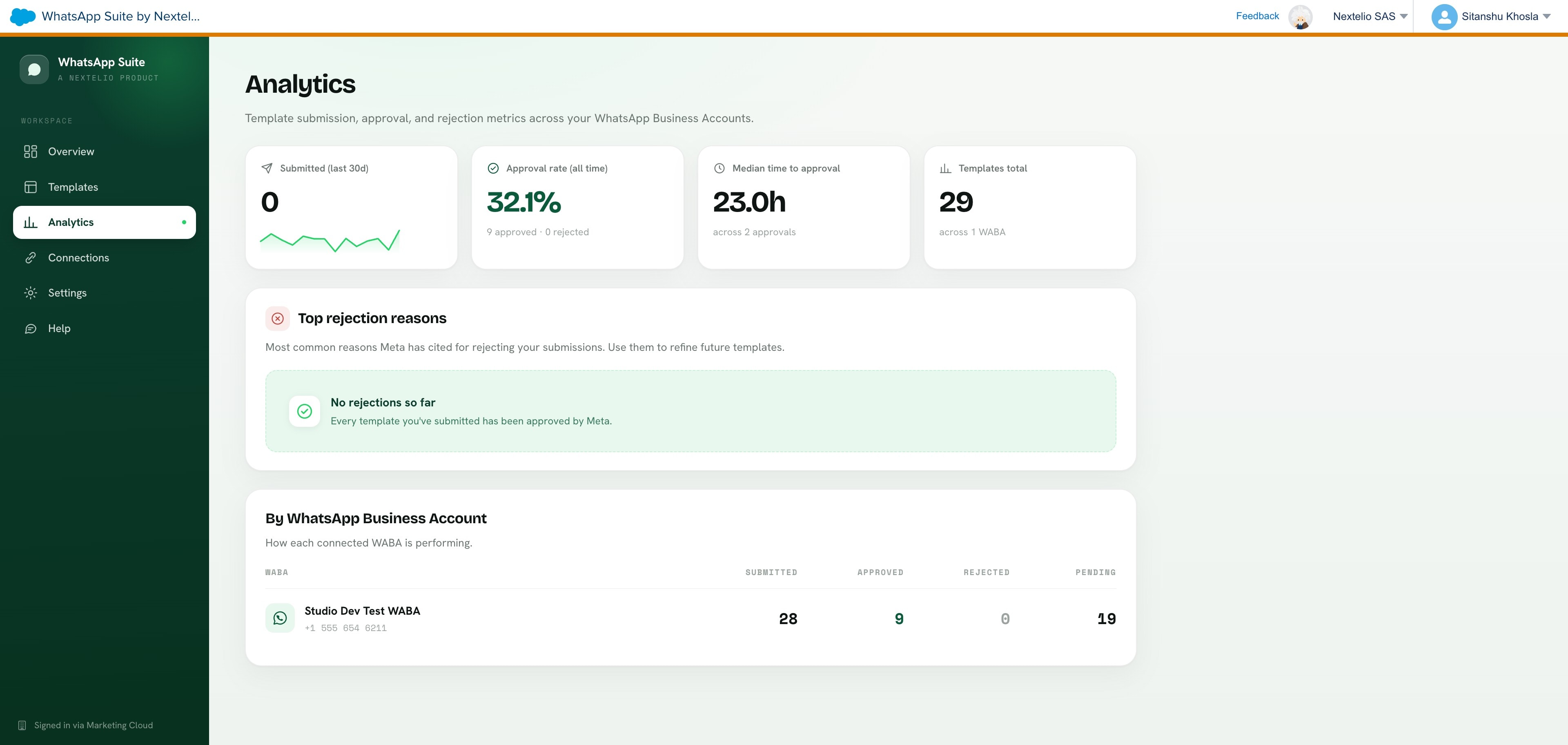
Analytics dashboard inside the WhatsApp Suite

Approval rate. Time to approval.

04How it works

Four steps. No detours.

01

Connect

Link your WhatsApp Business account in a single flow. Meta handles the auth. We handle everything after.

02

Design

Compose the template visually. Preview it exactly as it will land on device.

03

Submit

Send to Meta with one click. Approval status streams back live.

04

Send

Approved templates appear in your BSP or SFMC. Send with the tool you already trust.

05Where it runs

Where your team already lives.

Install it inside Salesforce Marketing Cloud. Or use the standalone web app. Same features, same data, whichever you sign in through.

Package

Inside Salesforce Marketing Cloud

Installed as an SFMC package and signed in through Marketing Cloud's own SSO. Your team never leaves the console. Approved templates flow straight to Journey Builder, Content Builder and Automation Studio.

Web

Standalone web app

Live at whatsapp-studio.vercel.app. Sign in with Google or email. Same features, no SFMC required. Ideal for teams sending through Sinch, Twilio, Bird or Meta direct.

06Why we built it

WhatsApp is where customers actually read. It deserved a studio, not a form with three fields and a prayer.

The founders

07Frequent questions

Do we need a BSP contract?

No. If you have a WhatsApp Business account, you can send. Bring your own BSP if you want, or use Meta directly. The Suite works either way.

Where do template tokens live?

On our infrastructure, encrypted at rest with AES 256 GCM. Only your workspace can decrypt them. We never see the payload.

What happens to templates already approved elsewhere?

They stay approved. We read them from your WABA and surface them alongside anything new you create. No resubmission required.

Can we invite our client's team?

Yes. Multi seat workspaces with role based access. Guests view drafts, admins submit, owners manage billing.

Say it beautifully.

Get the product →Book a walkthrough